Air-Gapped Installations
SentriKat runs with no internet access at all. This page is what changes when it does.
What still works
Everything the product does for you. Agents report, software is matched against the vulnerability data, findings are prioritised, reports and exports are generated. None of that needs the internet: it needs the data, and the data comes in on a file.
The license works too. It is signed offline and valid for its full term, so an installation that never calls home keeps running until the license itself expires.
What changes
Two things stop happening by themselves:
- The vulnerability data does not refresh. No feeds are reachable, so what you have is what you last imported.
- The license heartbeat does not run. This is not a problem: the heartbeat is a best-effort check, not a permission. Nothing blocks when it cannot run.
Because of the first one, the age of your data becomes something you have to watch rather than something that takes care of itself.
Importing the offline bundle
The bundle is a signed snapshot of the vulnerability data, the software identities and the exploit probabilities.
- On a machine with internet, download it from the portal, under Downloads
- Move it across however you move files into the environment
- In SentriKat, go to Settings → Sync & Updates, or straight to
/admin-panel#settings:system-sync - At the bottom of that page, open Advanced Maintenance. It is closed by default, and the import panel is inside it
- Import the bundle
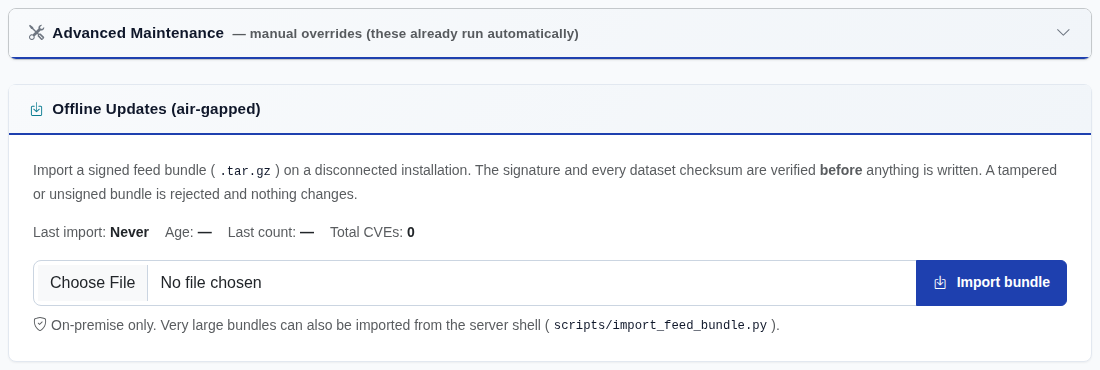
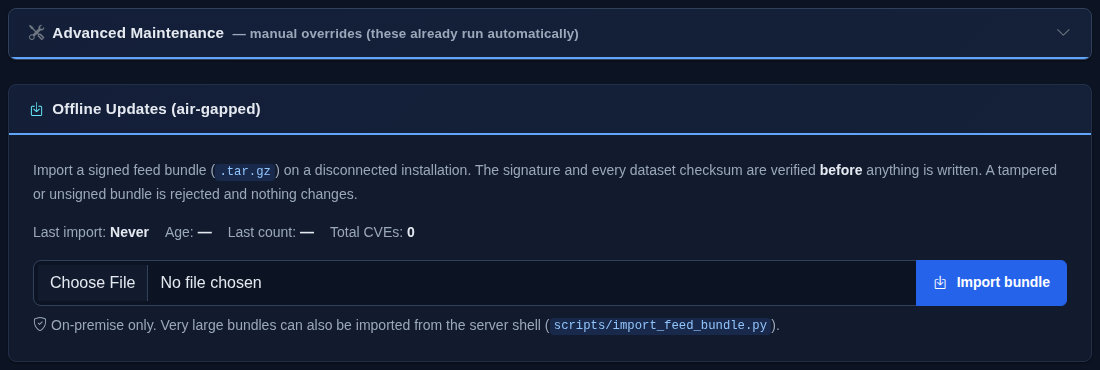
If you cannot find the panel
Two things gate it, and neither is air-gapped mode:
- the installation must be on-premise, not SaaS
- you must be signed in as a super admin
It is closed by default inside Advanced Maintenance, so on a wide screen it is easy to scroll past. The deep link above opens the right section; #settings:sync does not work.
The bundle is verified against its signature before anything is written. A bundle that has been altered in transit is refused, and nothing is imported: a partial import from a file you cannot vouch for would be worse than no import.
There is also a command-line route, for environments where the file lands on the server rather than in a browser:
How often
The bundle is rebuilt daily. How often you carry one across is a decision about how stale you are willing to be.
A practical answer for most installations: weekly, plus an extra one when you hear about something being actively exploited that might affect you.
Checking how old your data is
Settings → Sync & Updates shows the age of each dataset.
This is the screen to look at in an air-gapped installation, because nothing else will tell you. A dataset that is months old still produces findings, and they look exactly like fresh ones: they are simply missing everything published since the last import.
Requirements
An active license. The bundle is a licensed download, so an expired license means no new bundles, while the installation itself keeps running on the data it already has.
See also
- Data Sources, what each dataset is and how often it normally refreshes
- Licensing and Activation
- On-Premises Deployment