Exports
SentriKat exports your inventory and findings in twelve formats, so auditors, customers and downstream tooling consume them natively, from Products → Exports or the REST API.
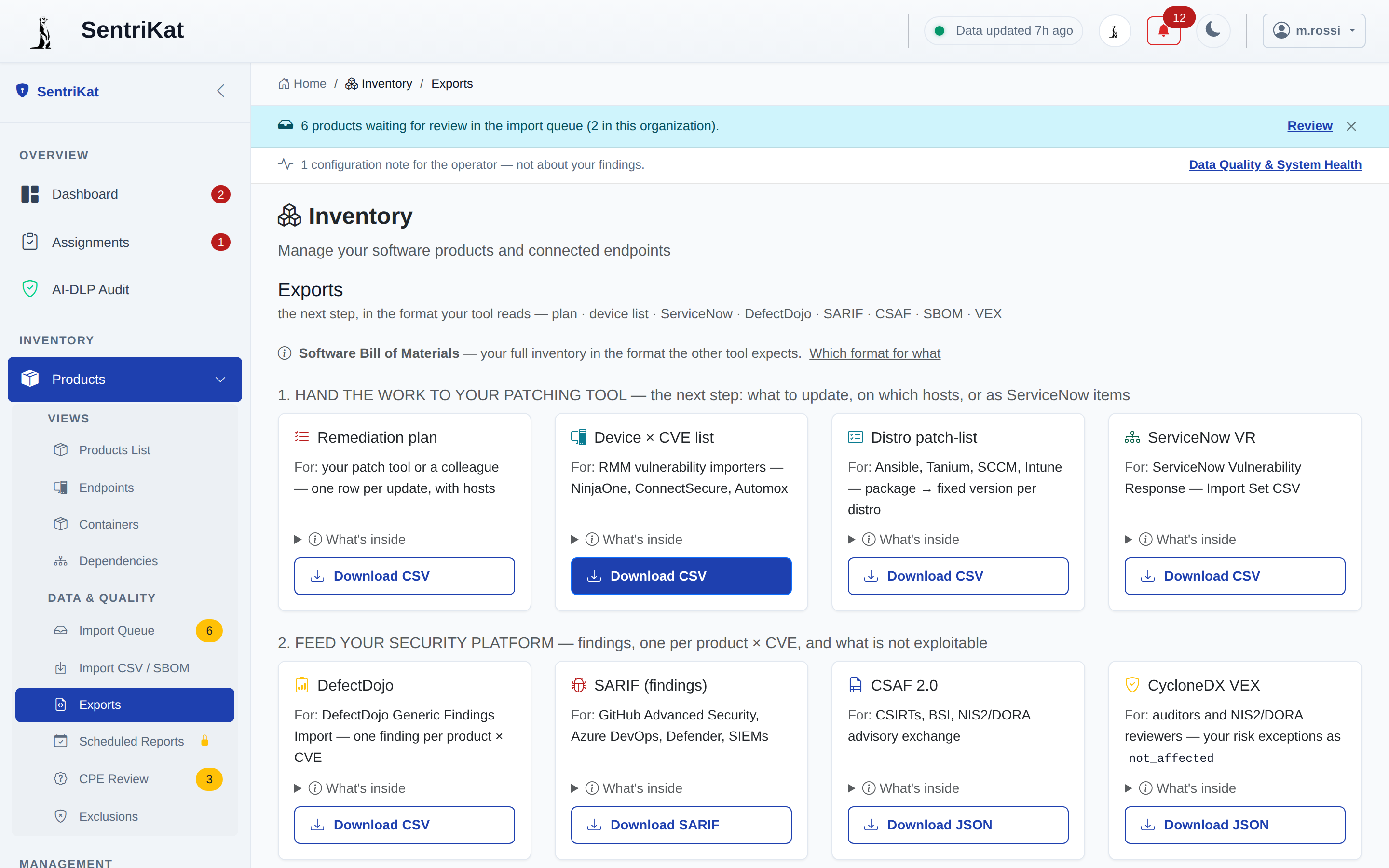
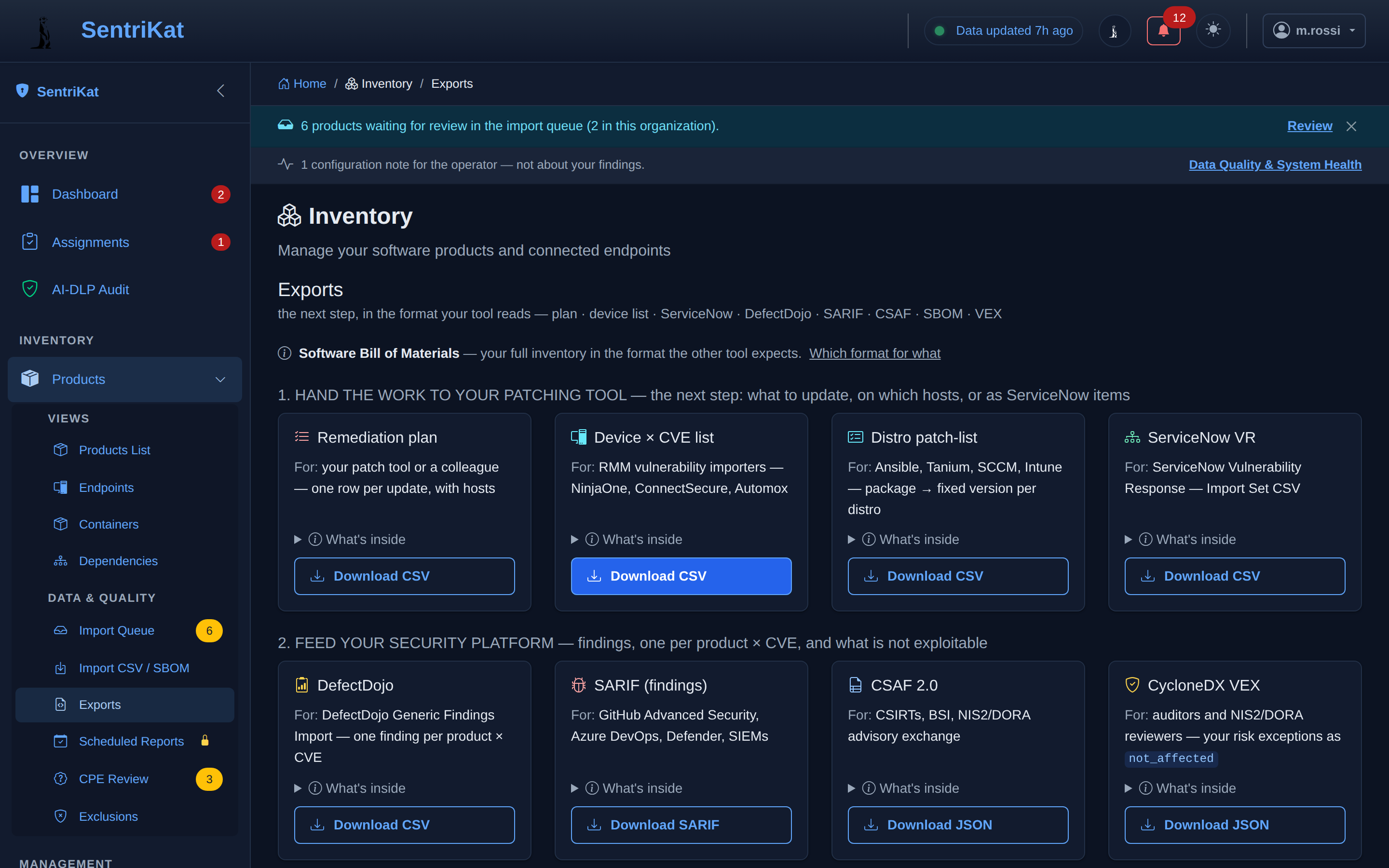
Why it matters: the EU Cyber Resilience Act mandates SBOM availability for products on the EU market (from 11 September 2026), and NIS2/DORA audits expect documented, exportable vulnerability posture. SentriKat ships all of it out of the box.
What your estate is made of
| Format | Standard | Typical consumer |
|---|---|---|
| CycloneDX 1.5 (JSON) | OWASP | SBOM tooling, customers requesting an SBOM |
| SPDX 2.3 (JSON) | Linux Foundation / ISO 5962 | legal & license review, US EO 14028 workflows |
| STIX 2.1 | OASIS CTI | threat-intel platforms, SIEM enrichment |
| Inventory CSV | — | a spreadsheet, when the answer is a spreadsheet |
What applies to you, for someone else's system
| Format | Standard | Typical consumer |
|---|---|---|
| CSAF 2.0 | OASIS | regulators & CERTs (BSI-style advisory exchange) |
| CycloneDX VEX | OWASP | tells customers which CVEs actually apply, and which are not affected |
| SARIF | OASIS | code/security platforms (GitHub Code Scanning, IDEs) |
| ServiceNow VR (JSON) | — | import into ITSM and vulnerability-response workflows |
| DefectDojo | — | import into DefectDojo |
What to do about it, for a person
| Format | Standard | Typical consumer |
|---|---|---|
| Remediation plan | — | the ordered list of updates to install |
| Device x CVE list | — | which machine carries which finding, one row each |
| Distro patch-list | — | the flat "what to patch, in what order" list for the ops team |
Consistency guarantees (what makes these trustworthy)
- Resolved and risk-accepted findings are excluded from remediation exports (SARIF / ServiceNow / CSAF / patch list), the exports never tell a team to fix what's already resolved or formally accepted, and they never contradict the VEX statements.
- Risk exceptions become VEX
not_affected/acceptedstatements, with your documented justification: auditors see decisions, not gaps. - Exports are org-scoped: each organization exports its own data only.
- Large exports are capped predictably (e.g. SARIF at 5,000 results) and tell you when truncated. No silent cuts.
How to export
- Go to Products → Exports
- Pick the format, each card states what it contains and who it's for
- Download, or call the API endpoint shown on the card from your automation (see the API reference)
Scheduled reports
Recurring PDF/CSV posture reports (weekly/monthly to stakeholders) are a separate feature: see Inventory → Scheduled Reports and Compliance Reports for NIS2 Article 21 and exploited-vulnerability compliance report types.