Vulnerabilities
The vulnerability list is the dashboard. There is no separate Vulnerabilities page.
This page is the reference for what you see on a row once you are there.
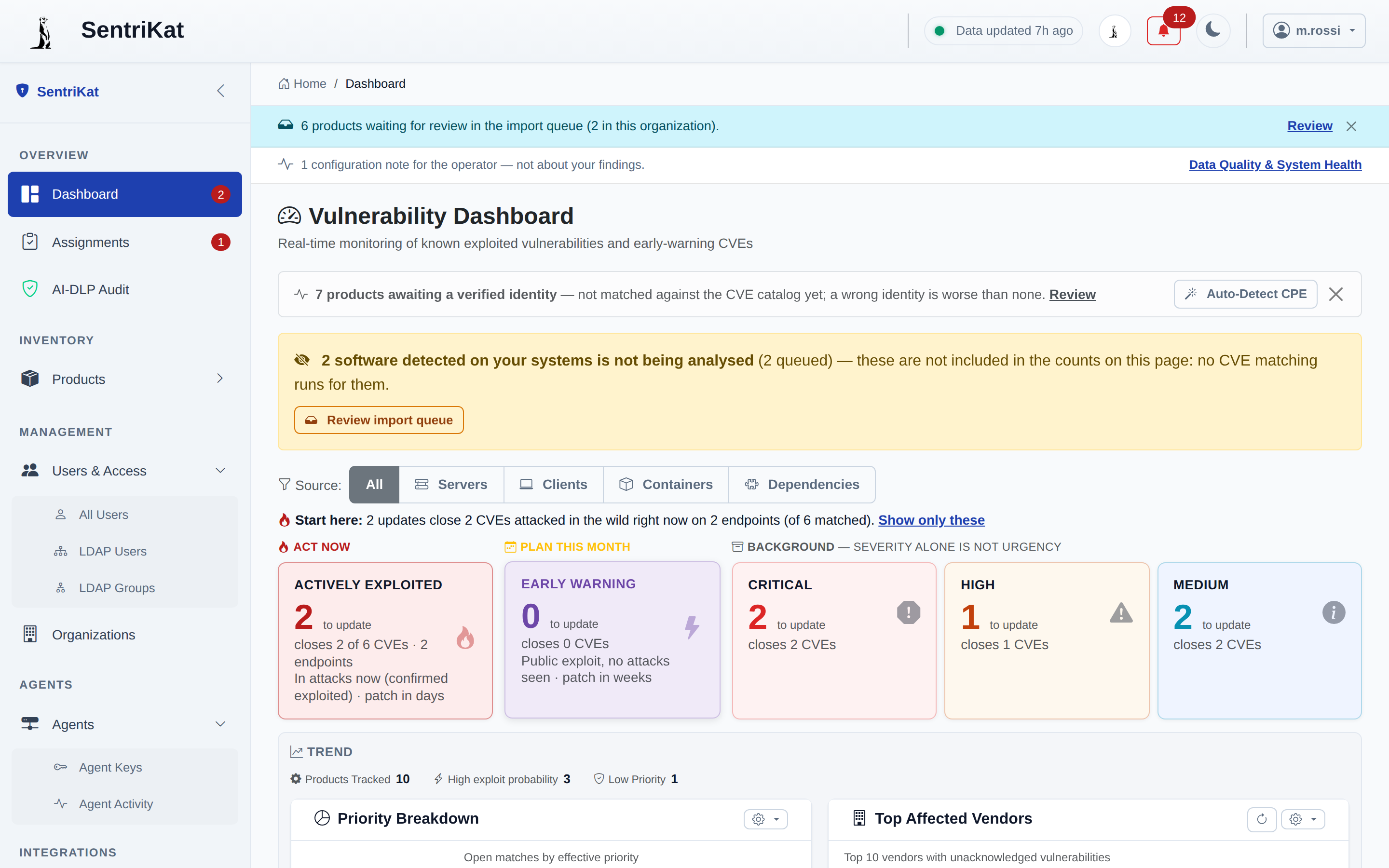
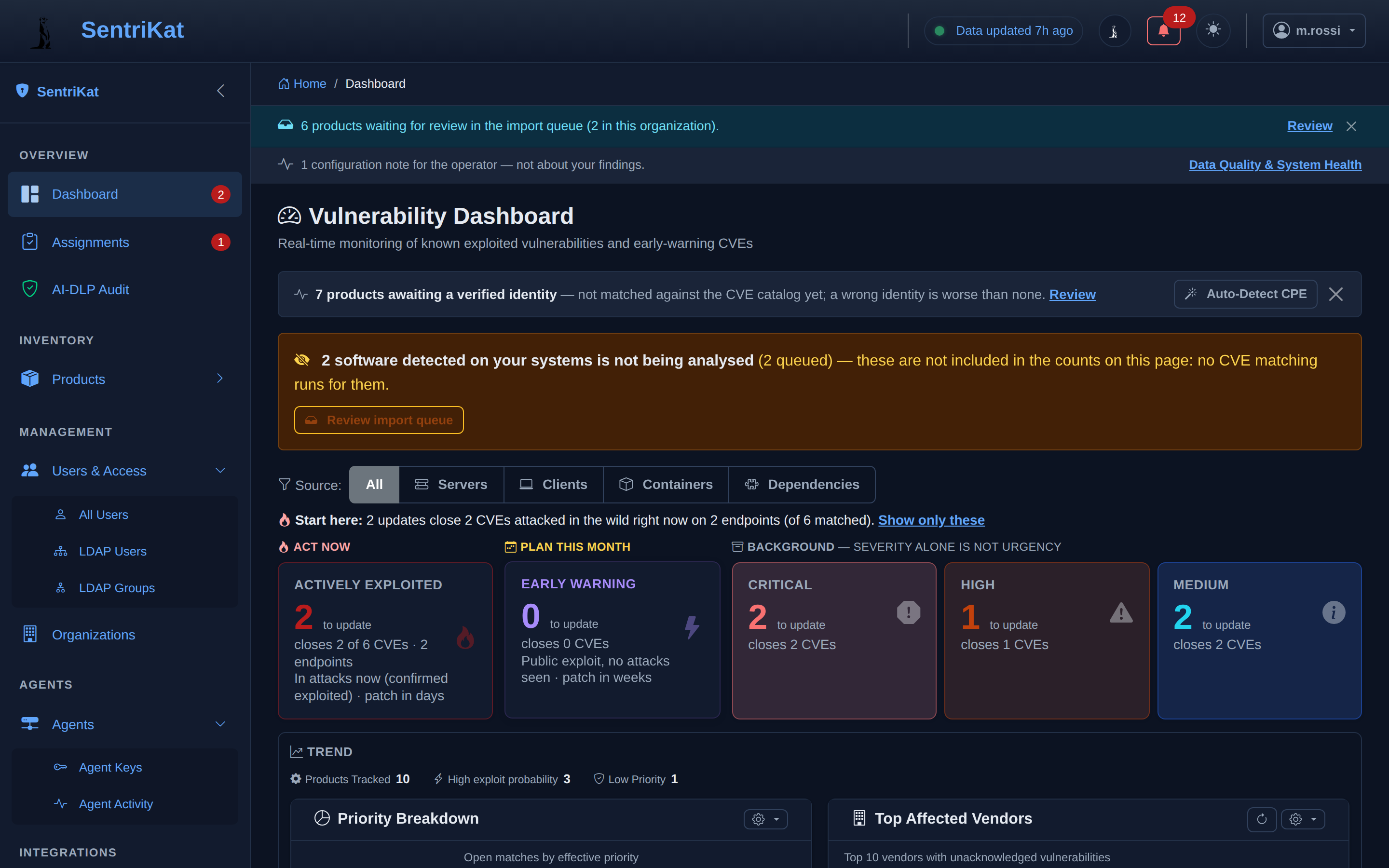
What a row tells you
Click a CVE on the dashboard to open its detail:
| Field | What it is |
|---|---|
| CVE ID | The public identifier for the vulnerability |
| Description | What the vulnerability lets an attacker do |
| Vendor / Product | The software it affects |
| CVSS score | Severity, 0 to 10, from the public databases |
| Exploit probability | How likely it is to be exploited, 0 to 1 |
| Remediation due date | The deadline published for it, where one exists |
| Ransomware | Whether it is known to be used in ransomware campaigns |
| Affected products | Which of your products matched it |
Severity, probability, and what is actually happening
Three different signals, and they answer three different questions.
CVSS says how bad it would be if someone used it. It says nothing about whether anyone is.
Exploit probability estimates how likely it is that someone will, in the next 30 days:
| Score | Reading |
|---|---|
| > 0.5 | Very likely |
| 0.1 to 0.5 | Possible |
| < 0.1 | Unlikely |
Confirmed exploitation is not an estimate. It means the vulnerability has been seen being used against real systems. Everything in the ACT NOW band is in this state, whatever its CVSS score.
A medium-severity vulnerability that is being used today outranks a critical one that nobody has touched. That is why the dashboard sorts by band first and severity second.
Priority
The band a finding lands in is worked out from those three signals plus the remediation deadline. Confirmed exploitation and a ransomware association both send it to ACT NOW; a near deadline or a high CVSS puts it in PLAN THIS MONTH.
What you can do
The five row actions are on the dashboard: Snooze, Mark as fixed, Risk exception, Assign and Share.
Where the data comes from
The public vulnerability databases. The full list, with the credit each one is owed, is at sentrikat.com/third-party-data.
For how often each feed refreshes and how to check it is working, see Data Sources.